The simple time clock · any business, any size

Scan in.
Scan out.
Done.

Know when your employees arrive and leave. Employees scan a code at the register to clock in and clock out. It works only when they are at the store. You can see who is working, their hours, and pay from anywhere, even from home.

No credit card needed. Nothing to install. Cancel anytime.

All employees includedNo app to installAny phone worksEnglish and SpanishSet up in 2 minutes
Paper sheets can be wrong. Phones are exact.

Every store owner has seen it: rounded-up hours, one employee clocking in for another, and timesheets changed before payday.

THE OLD WAY

A sheet on the wall

Employees write down their own times. You add them up by hand.

  • "I got here at 8" — it was 8:20
  • One employee signs in for another who is late
  • Overtime added up by hand, with mistakes
  • The sheet gets lost when you need it most
THE STORECLOCK WAY

A barcode by the register

The phone records the time. You simply review it.

  • The real time, to the minute
  • Phone must be in the store to clock in
  • One phone, one person. Shared phones get flagged.
  • Hours, overtime and pay added up for you

Works in any store. Any business. Any size.

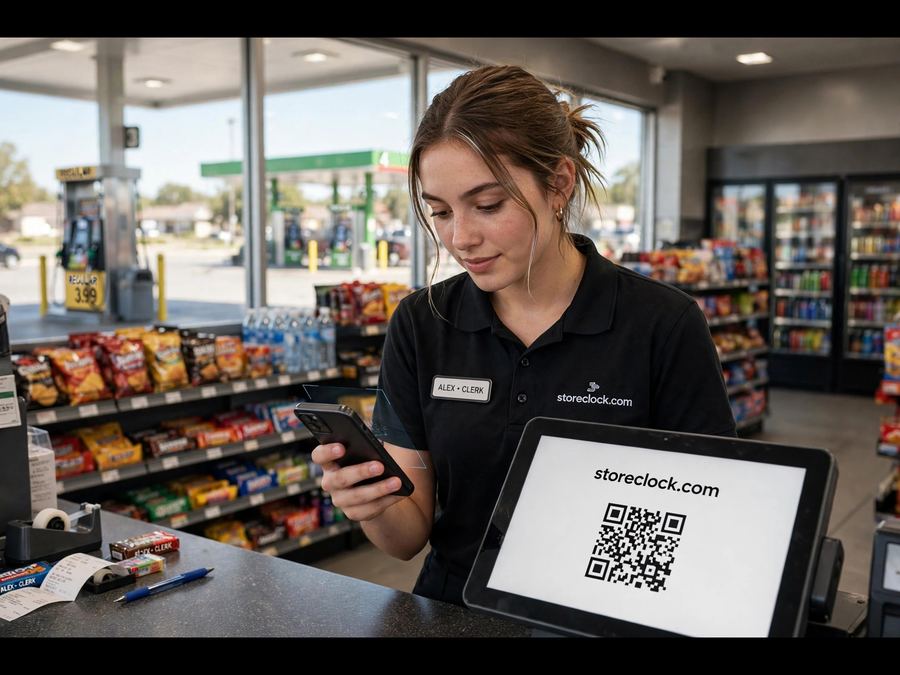
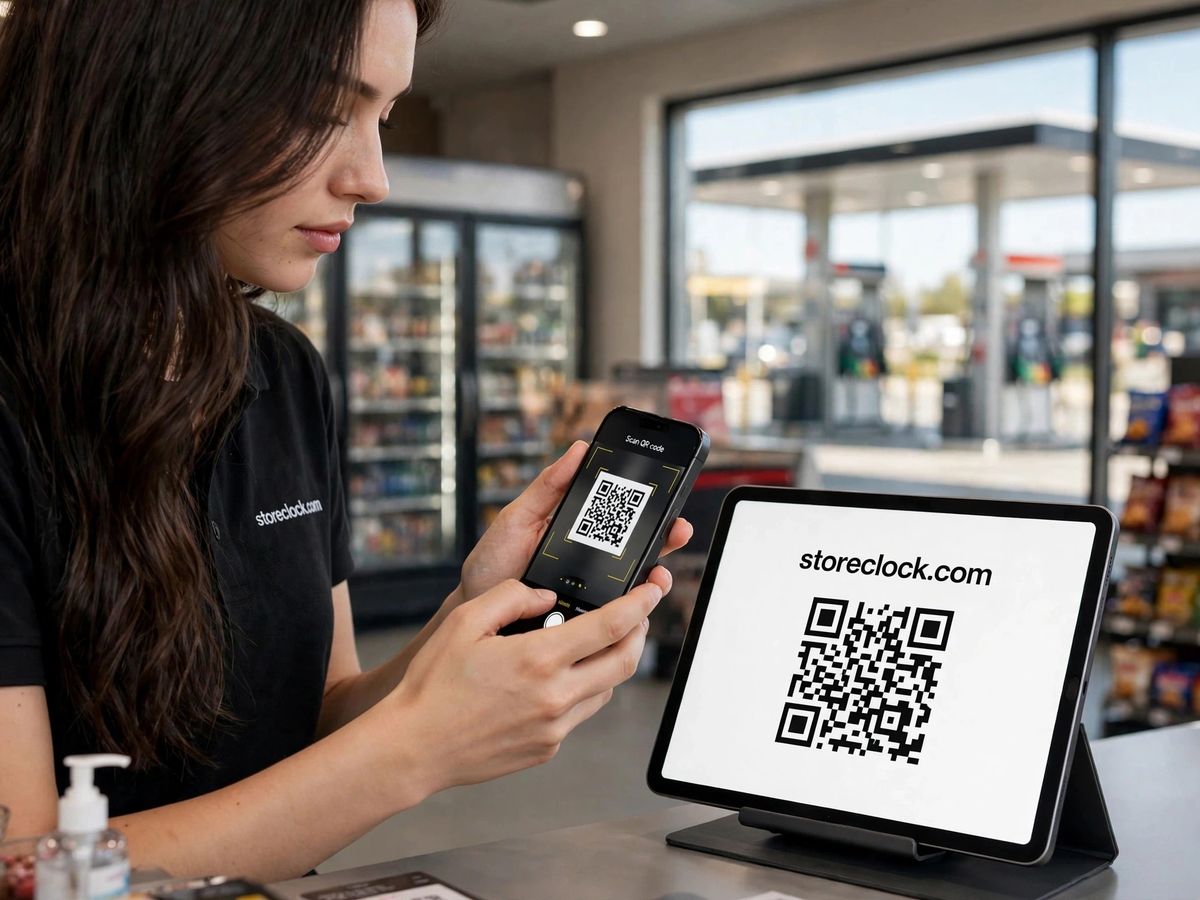
Gas station worker scanning the StoreClock code
Gas station
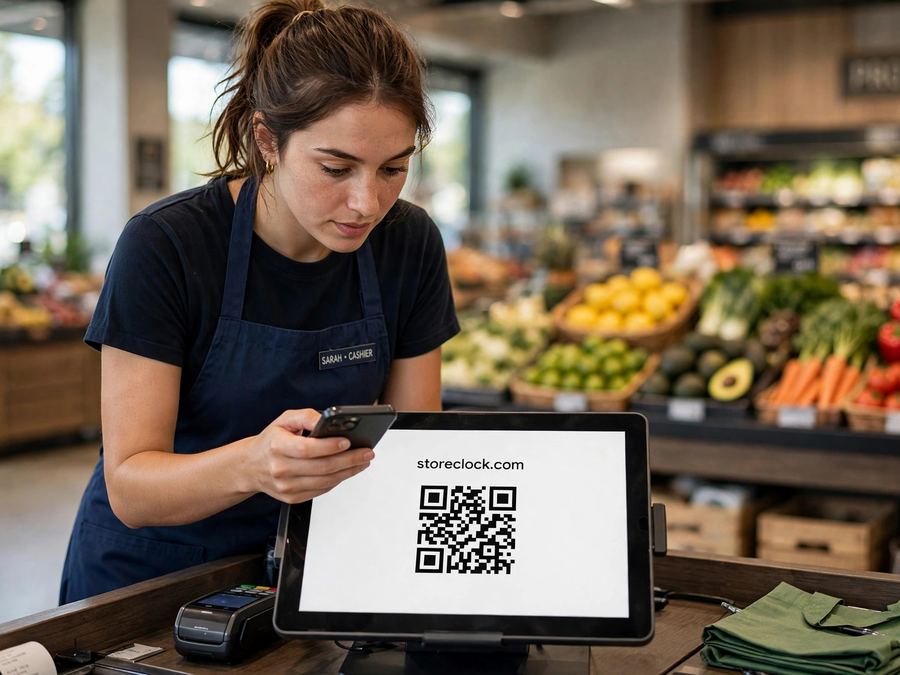
Cashier at a grocery store scanning the StoreClock code on a tablet
Grocery
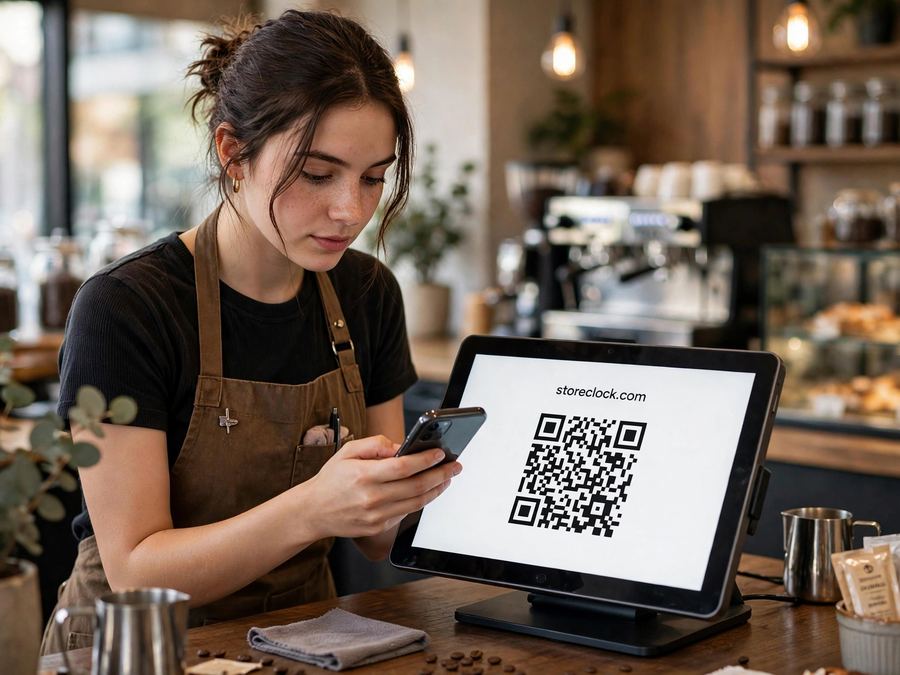
Barista scanning the StoreClock code
Café
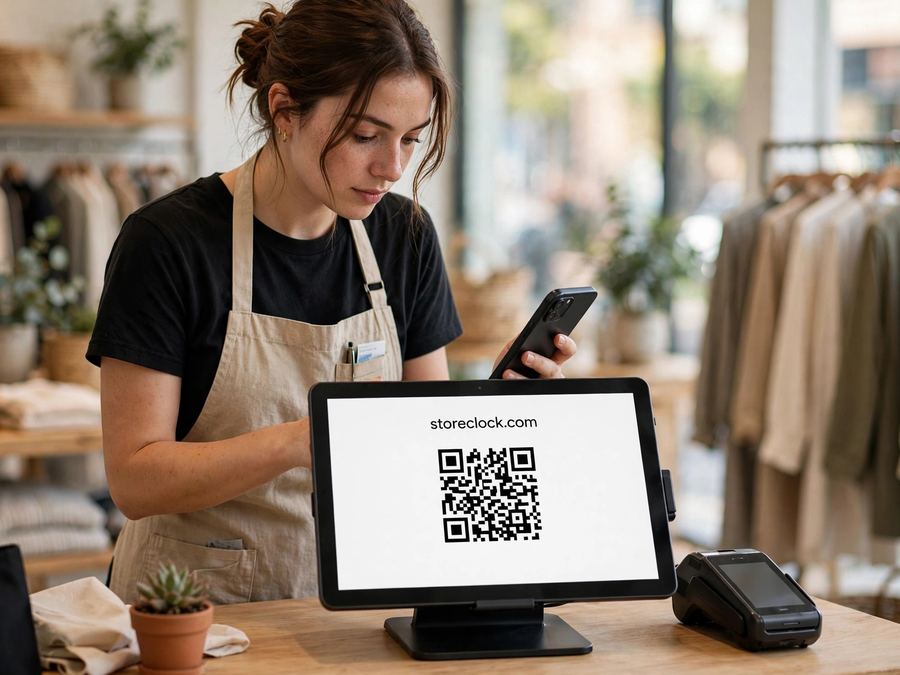
Shop worker scanning the StoreClock code
Boutique
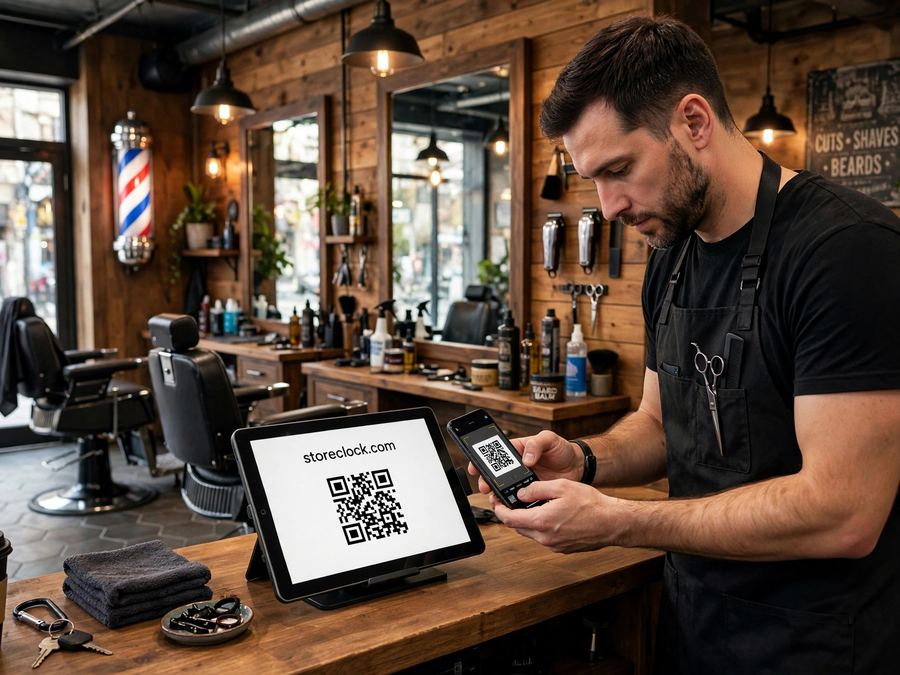
Barber scanning the StoreClock code
Barber shop
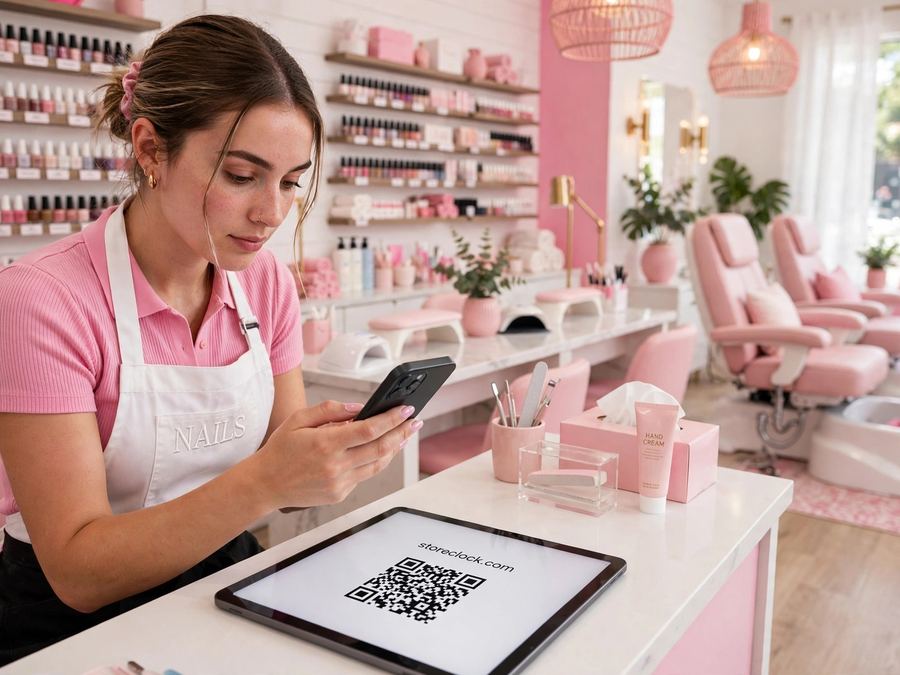
Nail tech scanning the StoreClock code
Nail salon

10 minutes a day is costing you about $225 a month

"I got here at 8" — it was 8:10. Ten extra minutes, for every employee, every day. Move the sliders to enter your own numbers.

Extra minutes are time written down but not worked: an early clock-in, a late clock-out, or a punch made for someone else. Most owners estimate 5 to 15.

$225
a month, paid for time nobody worked
About $2,704 a year
These are your numbers. StoreClock records the exact minute. How you use it is your decision.

Three simple steps.

No machine to buy. No app to install. Employees use their phone camera.

SCAN TO CLOCK INMARCAR ENTRADANeighborhood Market · point your camera here
1

Print your code

Put it where your team clocks in.

NEIGHBORHOOD MARKETGood morning, Emma
CLOCK IN
2

Employees scan it

Phone camera. A PIN. One green button.

HERE NOW3
Emmain 8:02 AM
Jakein 8:05 AM
Priyain 2:00 PM
Samoff today
3

You see it all

Who is working, hours, overtime, and pay. From anywhere.

Everything a store needs.
Nothing you don't.

Pay for real hours — not guesses.

Every hour
is a real hour.

Employees can clock in only at your store, on their own phone. No clocking in from home. Shared phones are flagged for your approval.

  • Stop paying for time nobody worked
  • Shared phones get flagged
  • Works in any store — even inside a mall
  • Anything unusual waits for your approval
TODAY · NEIGHBORHOOD MARKET
✓Emmain 8:02 AM · at the store
✓Jakein 8:05 AM · at the store
Tylerin 9:01 AM · needs your approval
✓ Every punch checked
✕Sam tried from homeblocked

See who is working.
Right now.

Open the app at home. See who came in, when, and who already left.

  • Who is here now, shown in green
  • Who already left, and total hours worked
  • Check from anywhere — home, car or vacation
Neighborhood MarketThu · 3:31 PM
HERE NOW2
A
AngieCashier · 0h 29m
IN 3:02 PM
S
MarcusCook · 1h 24m
IN 2:07 PM
DONE TODAY2
David8:14 AM – 2:56 PM · 6h 42m
Mei8:04 AM – 3:09 PM · 7h 05m

Hours and pay,
added up.

Every minute counts. Overtime is added for you. You see what you owe before payday.

  • Hours and minutes — no guessing
  • Overtime after 40 hours a week
  • One tap: a file for Gusto, QuickBooks or ADP
This weekOct 12 – Oct 18
EMPLOYEEHOURSOVERTIMEPAY
Emma42h 30m2h 30m$656.25
Jake38h 00m—$570.00
Priya44h 00m4h 00m$690.00
Total124h 30m6h 30m$1,916.25
All at $15/hour. Overtime = 1.5× after 40 hours. StoreClock adds it up — you pay your employees.

Your phone tells you.
One tap fixes it.

Late arrival? Still clocked in after closing? You receive an alert with a button.

  • Late clock-in and late clock-out alerts
  • The employee explains why, right on the alert
  • Tap Approve. Nothing changes without your approval.
12:01
Friday, October 16
STORECLOCKnow
Late clock-out · Neighborhood Market

Angie is still clocked in. Shift ended 11:00 PM.

Angie: "I left at 11:20 PM"
OKChange

Also included

Schedule, if you want itEmployees see their week. Print or share it.
Daily emailWho came, who left, hours, labor cost.
More than one storeOne screen shows every store.
Manager PINSchedule and team. Pay stays hidden.
English and SpanishEach employee chooses their own.
Store screenA spare tablet can show the code. No phone? Use the PIN pad.
Message your employeesOne note to every phone.
Fix a shiftEvery change is written down.
Reports you can hand overAny dates. Download or email.
Built by store owners. For store owners.We run stores every day. StoreClock is the time clock we wanted for our own team.

Questions

Do employees need to download an app?

No. They scan the barcode with the phone camera. It opens like a web page. They can add it to their home screen if they want.

What if an employee does not have a smartphone?

Any phone with a camera and internet works — it does not have to be new or expensive.

Can an employee clock in from home?

Not if you set the store location. Stand in the store, tap one button, and from then on phones must be near the store to clock in.

Can employees clock in for each other?

No. Each PIN locks to the first phone that uses it. If they get a new phone, you tap "Reset phone."

Does it work on iPhone and Android?

Yes. Any phone with a camera and internet. Nothing to install — it opens like a web page.

What if the phone signal is weak in my store?

The punch saves on the phone and sends itself when the signal is back. Punches that could not be verified wait for your approval. You tap Yes or No.

Can I see who is at the store right now, from home?

Yes. Open the app anywhere. The Now screen shows who is in, since when, and today's labor cost.

Does it do my taxes?

No. StoreClock adds up hours, overtime and pay. Taxes and paychecks remain your responsibility or your accountant's.

What if I have more than one store?

Add as many as you like. Each store has its own barcode and employees. See them all on one screen and switch with one tap.

Is my data safe?

Everything travels over an encrypted connection. Your store's data is yours — we never sell it. Read the Privacy Policy.

How much does it cost?

One simple price, with no per-employee fees. See the Pricing page.

Can I cancel?

Yes. Anytime, in the app under More → Manage billing. You keep access until the time you paid for runs out. Your hours stay saved.

Ready in about 2 minutes.

Sign up, print the barcode, and add your employees. That is the whole setup.

Start free for 14 days →
Sign inStart free →